Wrifo is a writing tool that keeps a record of how every document is written. Text copied from outside can't be pasted in, and every change is saved as it happens. When the work is finished, you can share it at a private link, and whoever opens it can watch the document being written, from the first word to the last.
This page is what one of those links looks like. What you are reading is the finished document; the How it was written tab above is the record behind it.
How it works
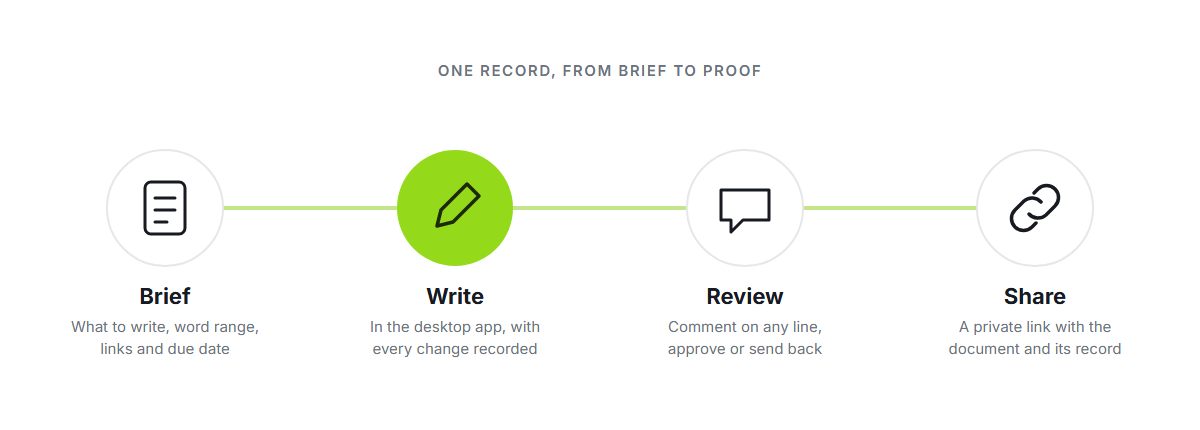
Set up the work. Raise a document with a brief: what to write, a word range, links to read first, a due date and who is writing it.
Write in the desktop app. Typing, deleting, formatting and moving text are all recorded. External pasting is blocked, so every word has to be typed.
Review it. Editors read in the browser, comment on any line, and approve the work or send it back with a note.
Share the proof. Publish a private link. The reader sees the document and how it was written, and nothing else from your workspace.
What a reader can check
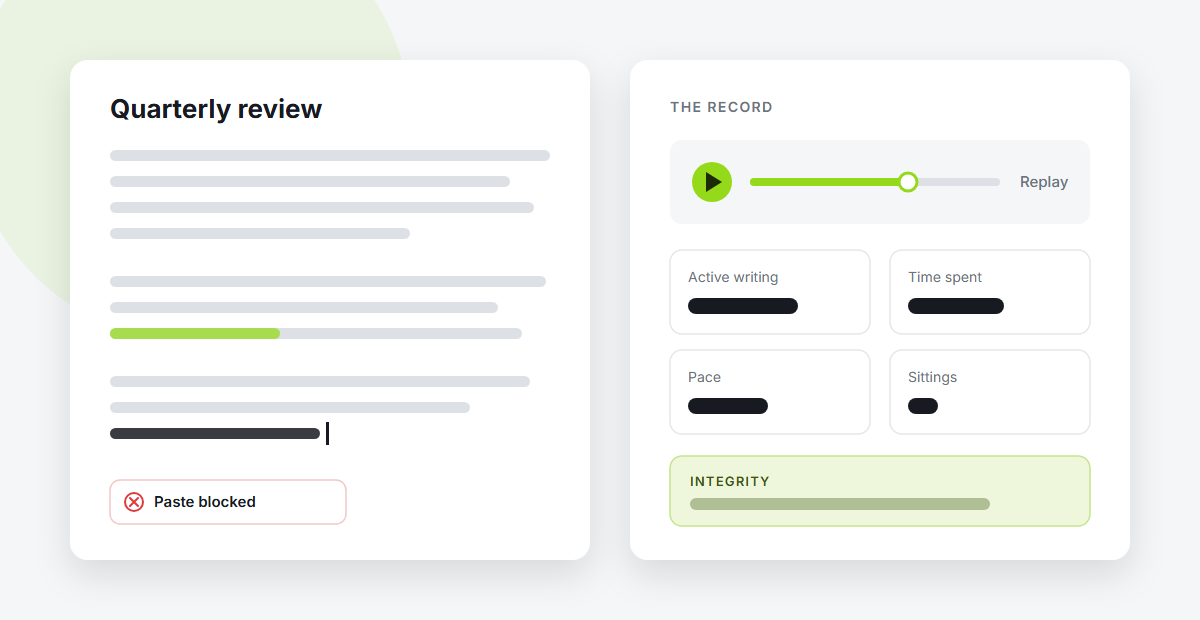
Replay. Play the document back from an empty page, pause anywhere, or drag to any moment.
Summary. Length, active writing time, time spent, pace, sittings and every blocked paste attempt.
Integrity. An assessment read from the shape of the writing, with how confident it is.
Why not an AI detector?
Detectors guess from the finished text. They disagree with each other about the same paragraph, and a rewording tool can get almost anything past them. Wrifo does not guess: it keeps the evidence, so the reader can see how the work was made and decide for themselves.
Stop guessing whether AI wrote it. Watch how it was written.
Who it is for
Content teams that brief writers and review what comes back.
Agencies that deliver writing to clients and want to show how it was made.
Independent writers who want to prove their work is their own.
What it will not claim
Wrifo does not decide who is honest. It shows how a document came to exist and leaves the judgement to the person reading it. It cannot see anything outside the document, and it never records which keys were pressed, only how the writing moved.
Where each part runs
Desktop app | Browser | |
|---|---|---|
Writing | Yes | No |
Comments and review | Yes | Yes |
Reports | Yes | Yes |
Writing stays in the desktop app on purpose: it is the one place the record can be made. Everything else works anywhere.